

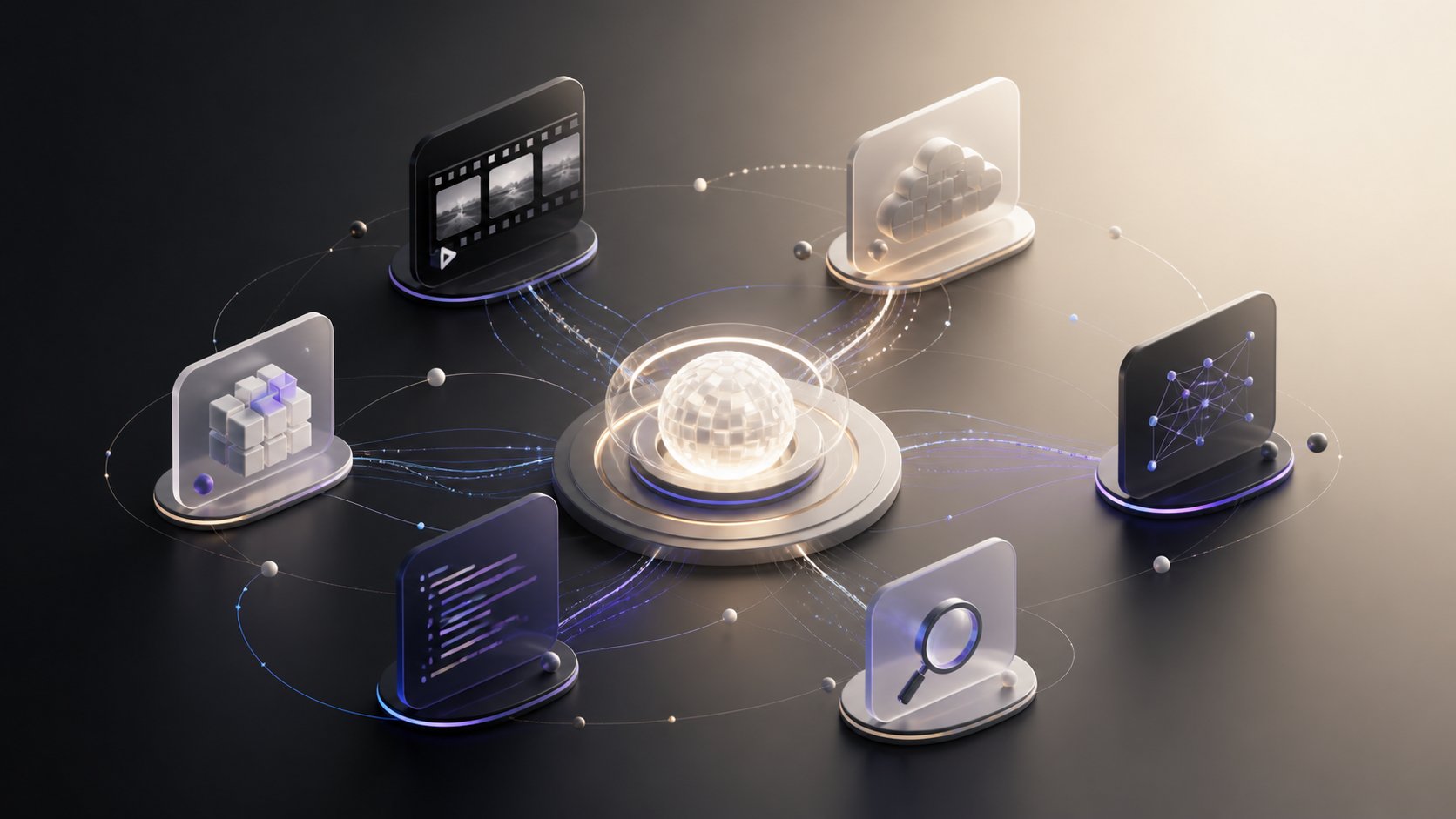
How tools work
Every tool has a small installable package and a human-readable manifest. The manifest describes what the tool contributes, what permissions it needs, and where it can run. Heavy software such as OCR engines, video codecs, and GPU models stays inside the tool’s own Docker runtime.Discover
Find a tool in the Marketplace and review what it does before installing it.
Install
Install tools into an isolated directory so your project dependencies stay clean.
Create a tool
Package logic, chat actions, settings, runtime, and UI surfaces without changing Larkup.
Run anywhere
A tool can run locally, through Larkup Cloud, or through a compatible endpoint you operate.
Built for sharing
Tool authors can ship a manifest, documentation, versioned package, and runtime configuration together. Installing a shared tool never transfers the author’s provider credentials. Each installation connects with its own local runtime, Larkup Cloud account, or custom endpoint.A tool is removable. Uninstalling it removes its isolated installation and disables its optional
surfaces without changing your normal Larkup data.
For tool authors
Create a portable tool
Learn the manifest, agent-action, settings, credential, rate-limit, and UI contracts.
Publish or share privately
Publish a public package or grant private access to selected workspaces.
Available tools
Video Intelligence
Turn video into timestamped speech, OCR, object, and scene evidence for chat.