

AI Models
Use Settings → AI Models to choose the provider and model for embeddings, chat, and vision.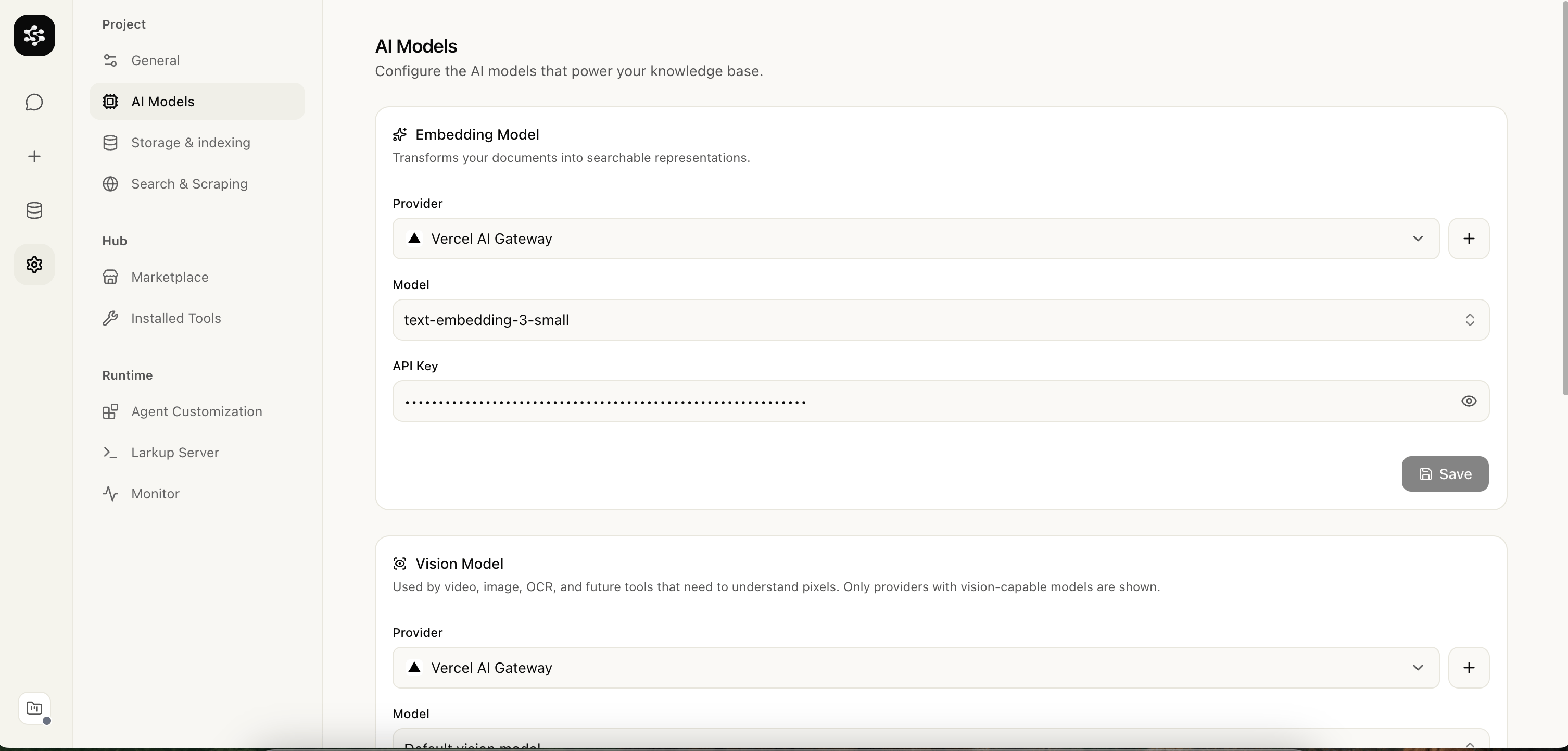
AI Models settings
Storage and retrieval
Use Settings → Storage to choose Semantic, Lexical, or Hybrid retrieval and the storage engine. LanceDB runs from a local path, LanceDB Cloud, or S3 compatible storage; use a persistent remote mode before deploying to a serverless platform.General
Use Settings → General to name the workspace, set its theme, and inspect the temporary Turborepo build cache. Source checkouts can clear that cache after a confirmation dialog without removing projects, indexed data, settings, or installed tools. Curl and npm installations do not create a Turborepo cache.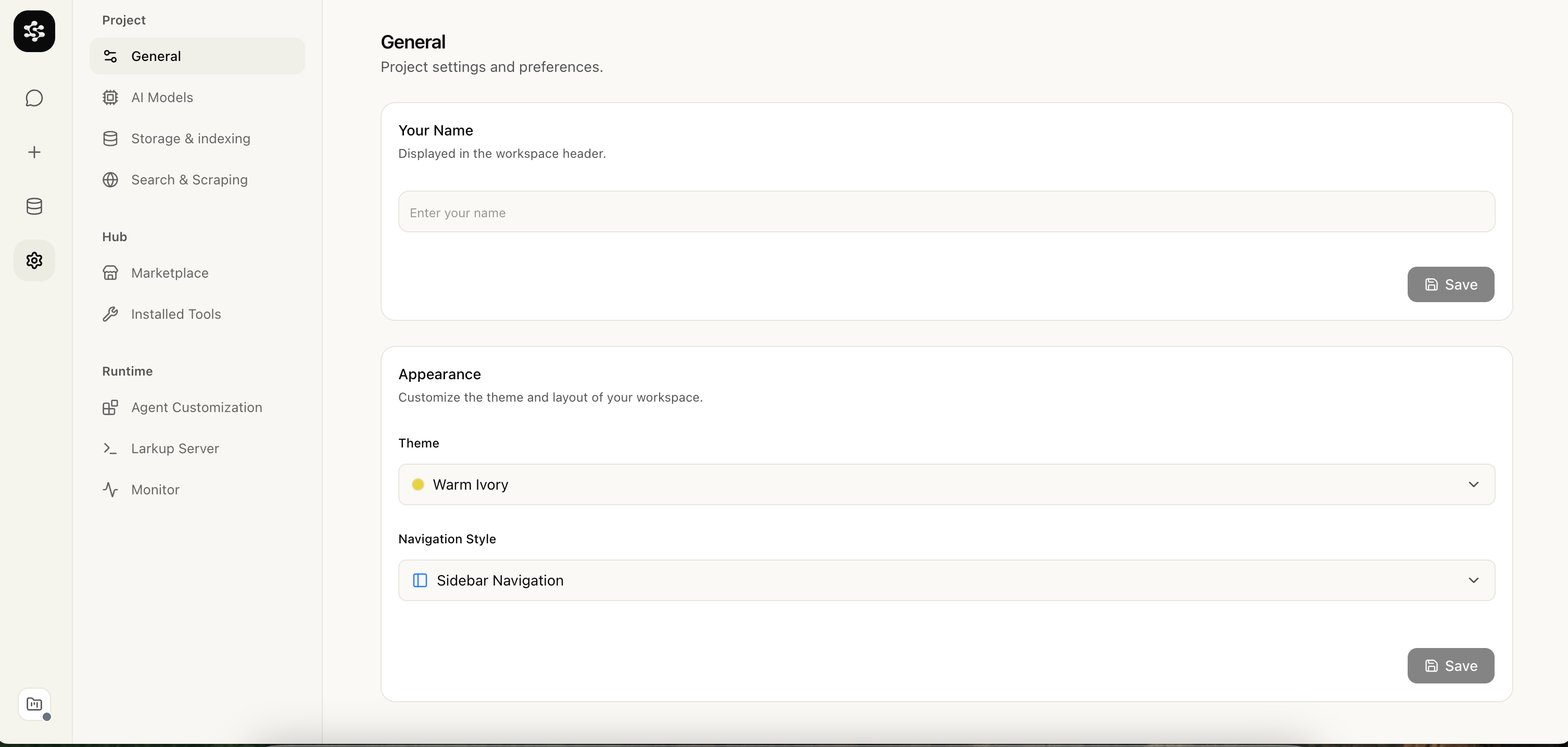
General settings
Installed tool settings
Marketplace tools add their own settings under Settings → Installed Tools.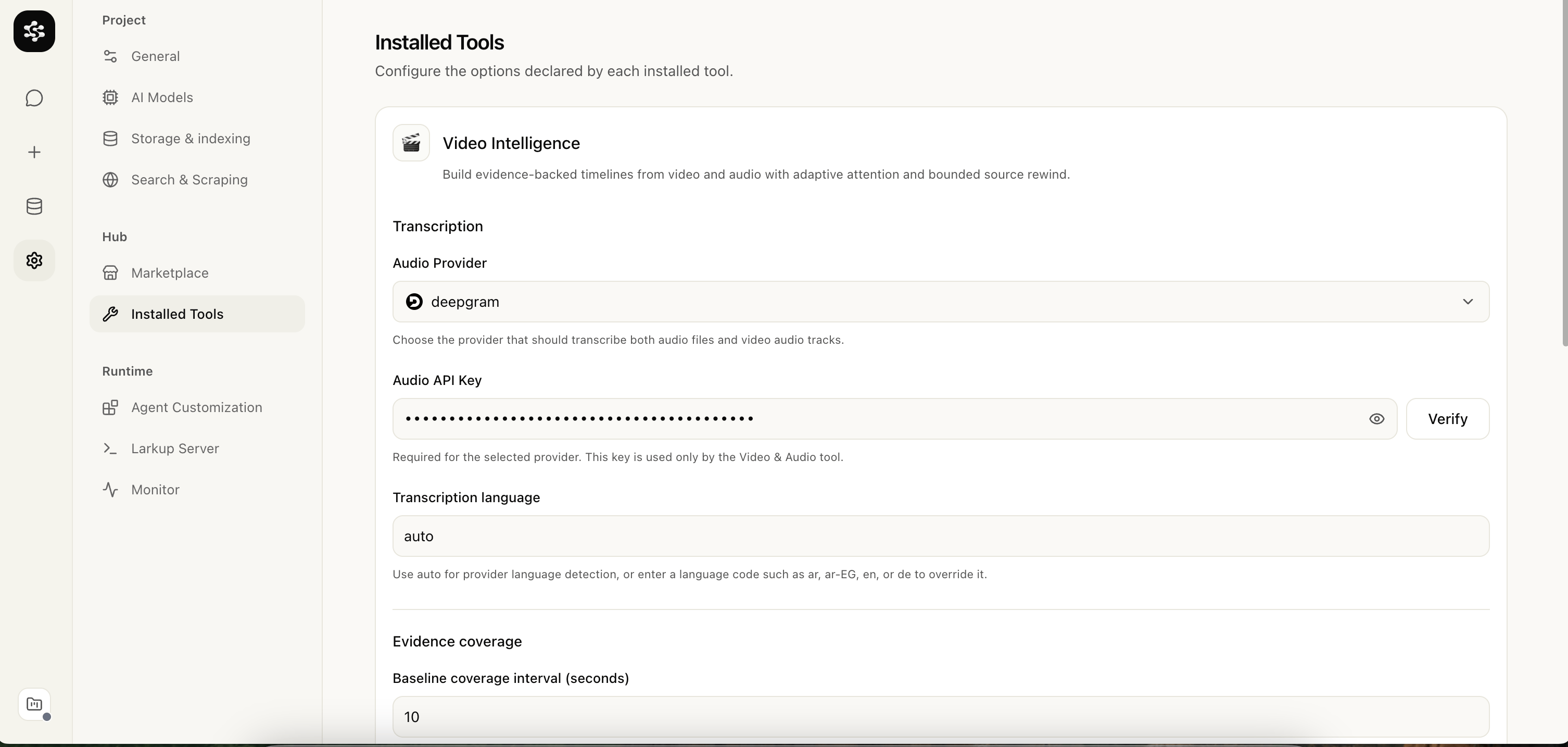
Installed Tools: Video Intelligence