

- Web UI
- CLI
1
Configure Vector Store & Embedding Model
Start by configuring your preferred Vector Store (e.g., LanceDB, Pinecone) and Embedding Model (e.g., OpenAI, Cohere) in AI Models.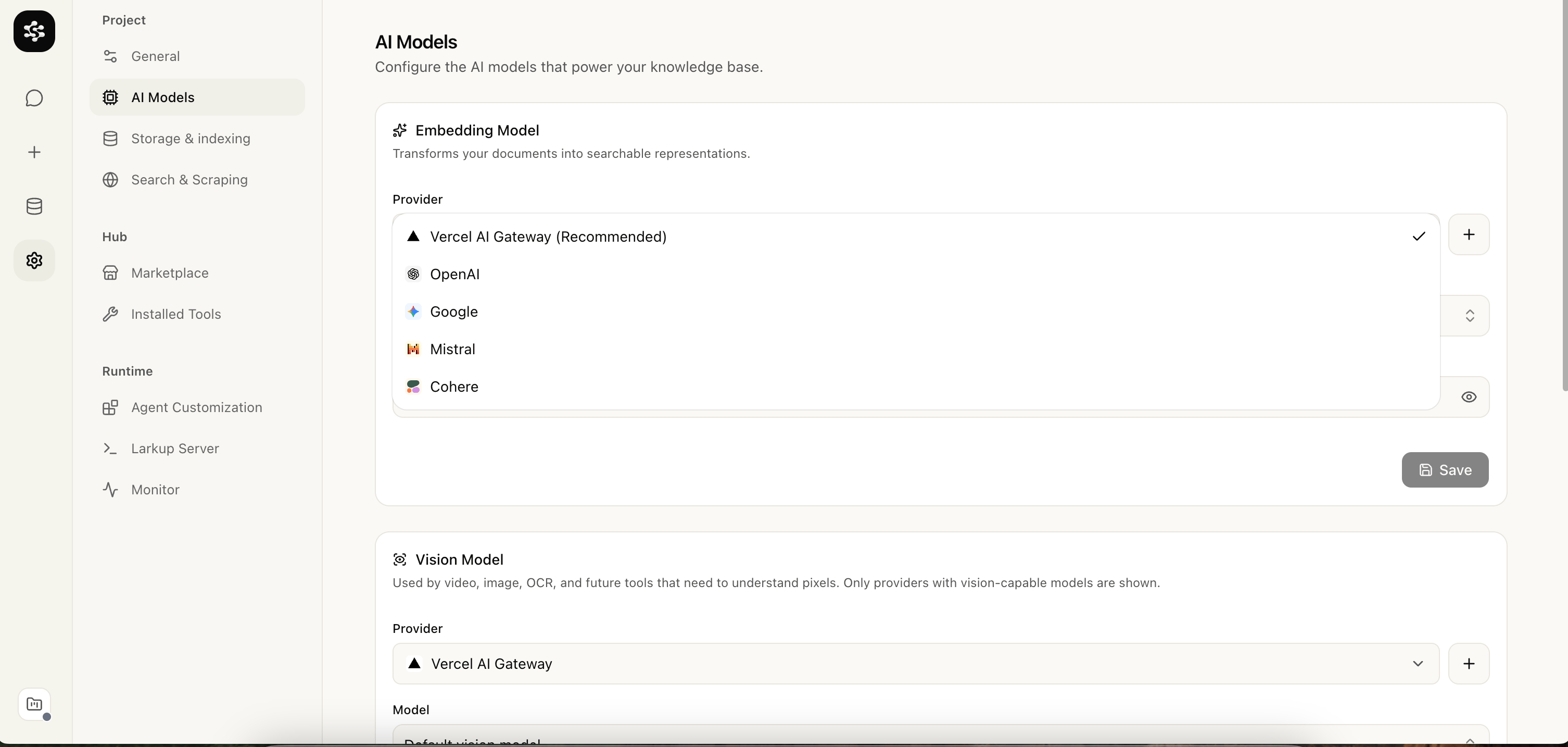
2
Ingest Your Documents
Navigate to the Data tab to upload files, paste raw text, scrape websites, or connect an integration. These sources queue up as ingestion jobs and index automatically.
3
Launch the Server
Go to Larkup Server and select Launch server to test the generated retrieval API locally. The deploy flow produces the full agent server with streamed chat and a website widget.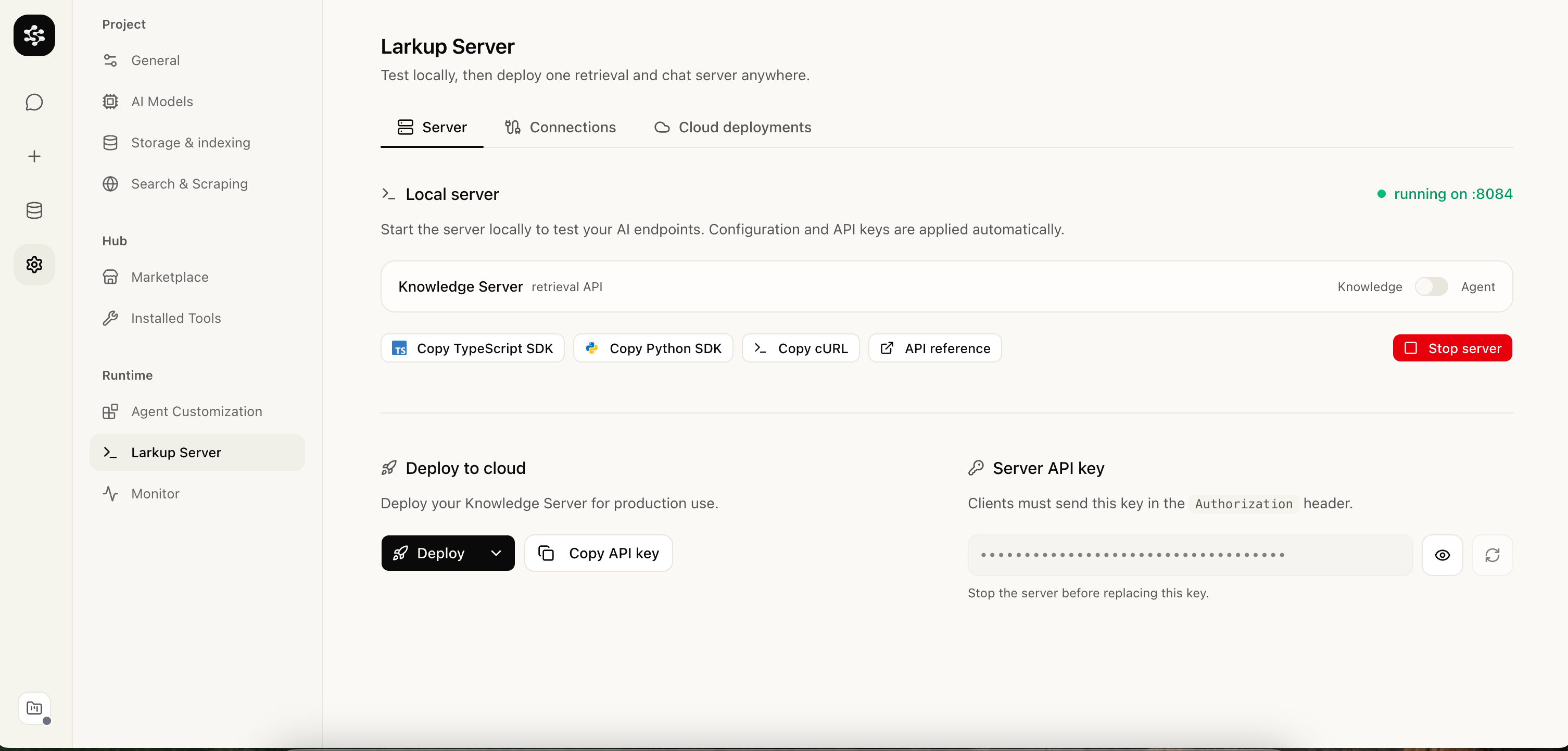
4
Explore the API
Every server ships an interactive reference at 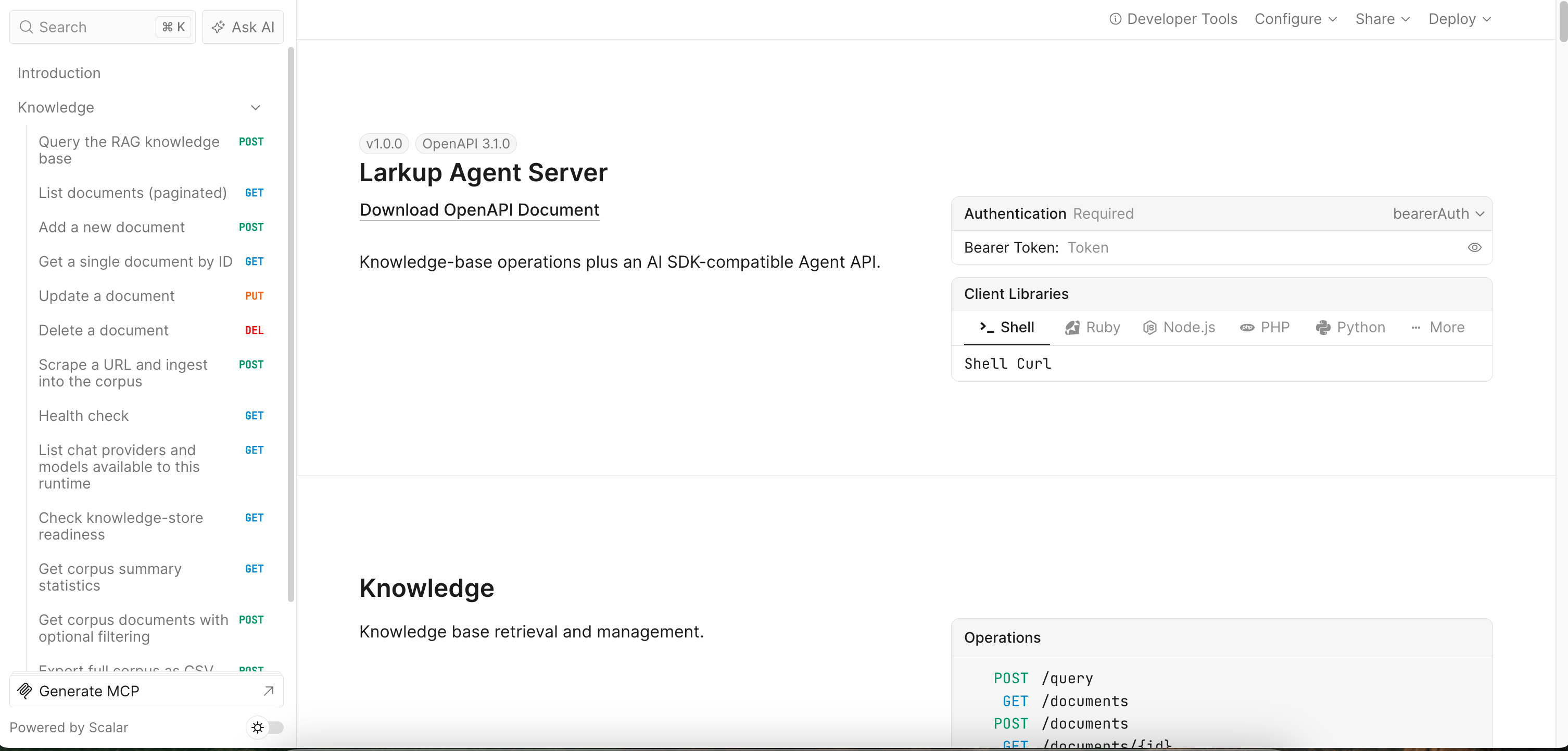
/reference.The Generated Server
When you launch your server, Larkup creates an optimized backend output directory. It contains everything you need and nothing you don’t:- Zero Bloat: Only dependencies for your specific Vector Store are bundled.
- No Build Step: Runs directly as a Node ESM backend (
node server.mjs). - One deployable agent surface: server download and Vercel deployment include the same retrieval, streamed chat, and widget routes.
Deploying to serverless
Local LanceDB is ideal for development and a VPS with a persistent disk. It is not durable on Vercel or other serverless platforms. Before deploying there, switch Settings → Storage to the S3 storage option for LanceDB and index your local source documents again. This stores LanceDB table files in your own S3 compatible bucket, so no LanceDB Cloud account is required. For Cloudflare R2, create a private bucket and an Object Read & Write token restricted to that bucket. Uses3://<bucket>/larkup/<server-name> as the database URI, https://<account-id>.r2.cloudflarestorage.com as the endpoint, and auto as the region. AWS S3 works with the same mode: leave the endpoint blank and use the bucket’s AWS region. The deployed Vercel server receives these credentials as encrypted project environment variables.
Vercel Blob is suitable for original files and media. Use S3 compatible object storage for the mutable LanceDB table files.
After deployment, copy the widget snippet from Settings → Larkup Server to add the chat UI to a website.
SDK Usage
Because Larkup exposes an OpenAI compatible API, you can connect with your favorite AI tools and SDKs. See Vercel AI SDK and LangChain for ready to use snippets in TypeScript and Python.Next Steps
Your server is now live athttp://localhost:8080.
- Deploy your server to Vercel, Docker, or a VPS, then add a chat widget to your website using your new API.